Phone news · Published November 27, 2026
Which apps work well on iPhone Duo?
An app opening on iPhone Duo is not the same as that app making good use of its larger screen. Apple says all iPhone apps can run on the device, while developers can add layouts built for it. If a few apps are essential to you, check those before you buy.
What does “works” mean?
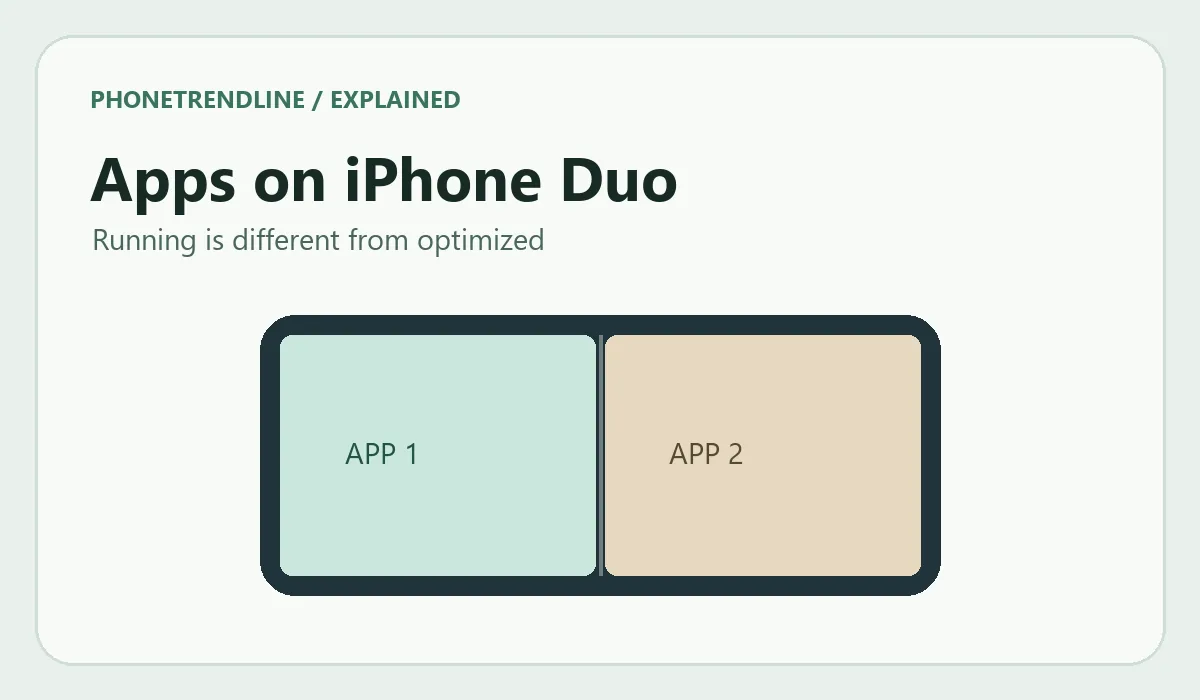
Apple’s developer guidance says existing iPhone apps run on iPhone Duo. Apps built with newer tools can adapt more easily as the display changes size. Older apps, or apps with fixed layouts, may simply show a phone-style interface instead of taking full advantage of the space.
That difference matters for reading, editing and multitasking. An app can launch and still feel cramped, stretched or awkward in a particular view. We have not tested individual apps on the device, so we cannot certify that any one app looks perfect.
Which apps has Apple highlighted?
In an October developer showcase, Apple highlighted updates from apps including Netflix, Prime Video, Paramount+, MLB, Zoom, Slack, Fantastical and Edits. These are examples Apple chose to show, not a complete list of optimized apps. Features can change with app updates and subscriptions.
Apple also says the App Store can show a “Made for iPhone Duo” label for apps with Duo-specific screenshots. Look for that label and inspect the screenshots for the view you care about. For example, a video app might use the larger screen well, while the editing or downloads screen still deserves a closer look.
How to check before you buy
Make a short list of the apps you use every day. Check their current App Store pages and the developers’ release notes for Duo updates. If you can try the phone in a shop, open those apps in both folded and unfolded views. Check text size, controls, video framing and whether your usual task actually feels easier.
iPhone Duo also supports Split View for two apps at once. That does not mean every combination is equally comfortable. The useful test is your own routine, not an app count.
Sources and reporting note
Apple’s newsroom and developer pages are the sources for app support and examples. This is a buyer checklist, not an independent app compatibility test.
More phone news and buying advice: browse all stories.